


Metadata is often an overlooked piece of the puzzle when setting up pages. This is important for improving searchability, as well as increased interaction when social sharing. Spiffy gives you the ability to easily set up metadata for each of your checkouts.
While in the editor of a checkout, click the Settings tab to access the Metadata config, under the Advanced Settings.
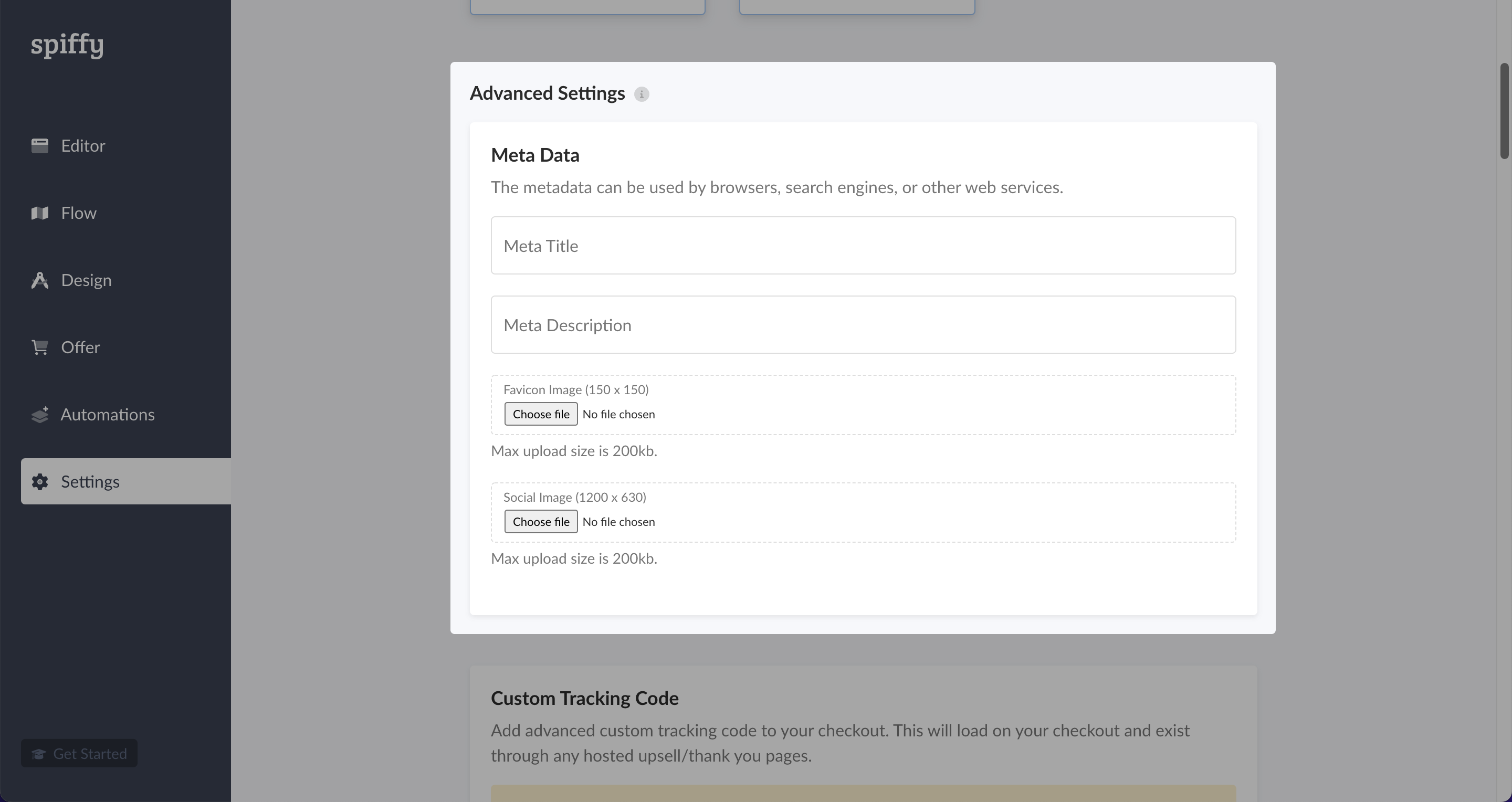
You will have the option to enter your Meta Title / Description as well as upload a Favicon for the browser tab and a Social Image that will display when a link to the checkout is shared on social media.
Once finished, be sure to hit Publish on the checkout to have these changes take effect.