


Circle is an all-in-one community platform for creators and brands.
You can now leverage Spiffy and Circle together, creating easy add-ons, upsells, and granting access to certain areas of your Circle community to your members.
Click here to get started with Circle.
(14-day free trial – no card required.)
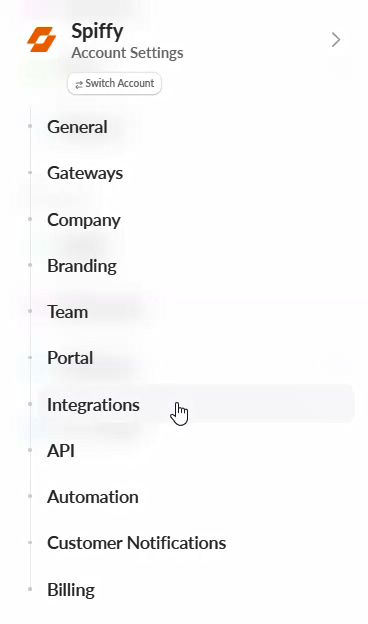
- From your Account Settings click on Integrations
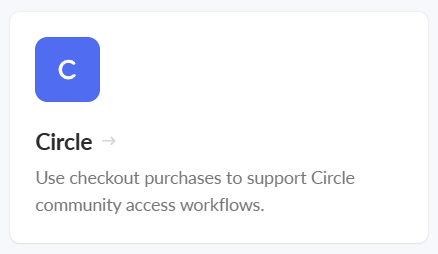
- Select Circle from the list of available integrations
- In the box that appears, input your Circle API Key and select Connect Circle

Once you’ve connected your Circle account you will now be able to:
- Add/Remove community members
- Add/Remove members from Spaces
- Add/Remove members from Space Groups
- Add/Remove members from Access Groups
- Add/Remove tags from members
- Send direct messages
You can grant and revoke access all from your Spiffy account.
These actions will be available to set up on checkouts, addons, and upsells, as well as Spiffy’s Billing Automation.
Learn more about Global Billing Automation & Subscription Billing Automation.