


Connect your GoHighLevel account in a few simple steps with Spiffy’s direct integration.
Here’s a rundown of the powerful features you will have available:
- New Customer Sync – New customer info will automatically push to GoHighLevel
- Customer Sales Data Sync – Key sales metrics automatically sync to GoHighLevel. Learn More →
- Field Mapping / Custom Fields – You can map and sync fields in Spiffy to custom fields in GoHighLevel. Learn More →
- Checkout & Billing Automation – Set up automation actions for events on checkouts, upsells, billing and more, applying tags or start a workflow in GoHighLevel. Learn More →
How to Connect GoHighLevel
GoHighLevel uses open authorization, so as long as you are logged in to your GoHighLevel account you can easily connect to Spiffy.
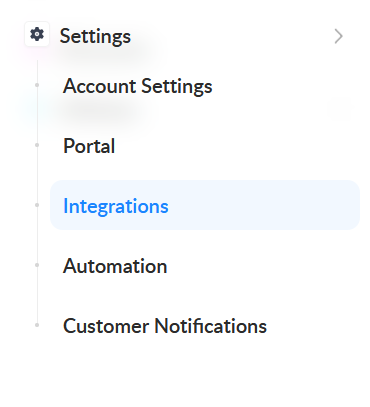
1. In Spiffy, at the bottom of the left navigation bar, click on Settings > Integrations
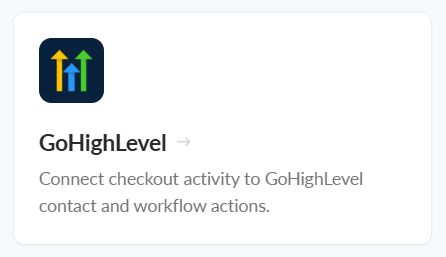
2. Find and select GoHighLevel from the list of available integrations
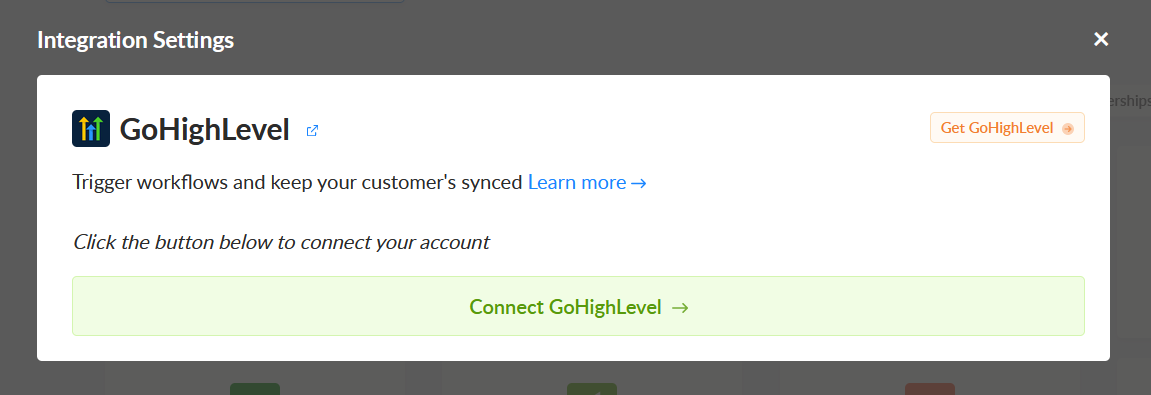
3. Click Connect GoHighLevel
4. Select your GoHighLevel account from the dropdown list. Search for your business.

5. Click Save Settings
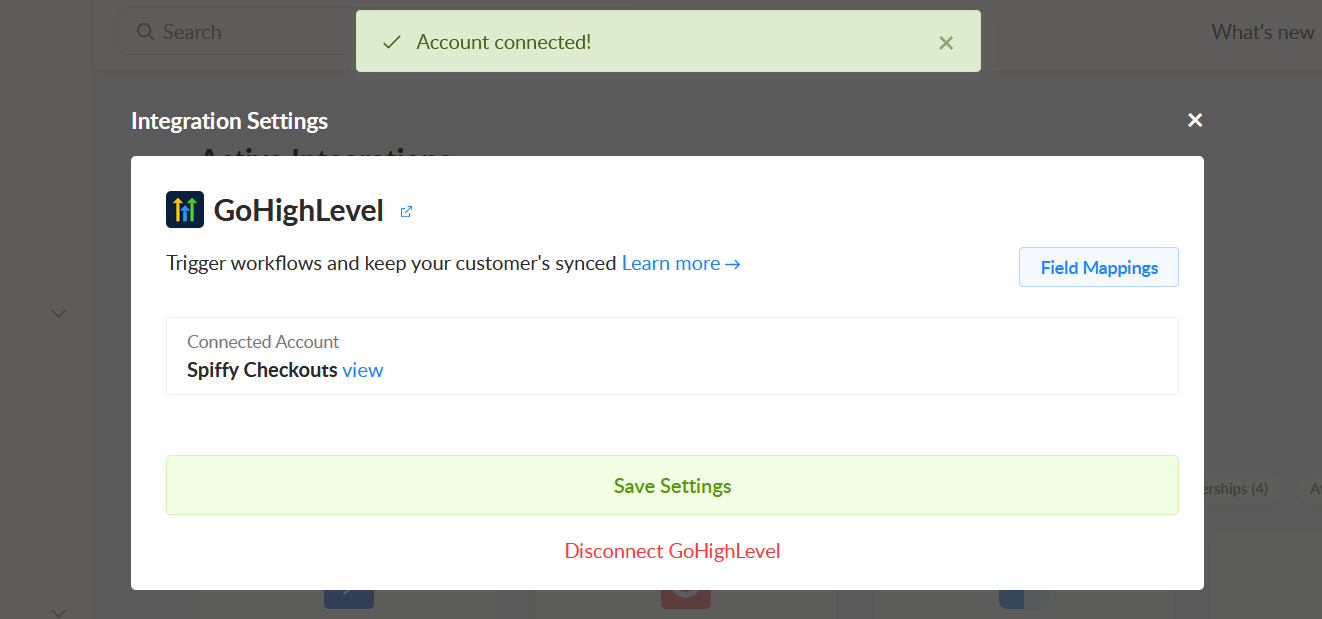
You’ve now connected your GoHighLevel account to Spiffy, don’t forget to set up Automations!
Learn more about Automations →
Customer Sales Data Sync
Spiffy automatically syncs customer sales metrics directly to custom fields on your GoHighLevel contacts. All metrics are continuously recalculated and updated in real time as orders, payments, refunds, and subscription changes occur, so your data is always current.
These custom fields include:
- Lifetime value
- Total spent
- Total refunded
- Number of orders
- Number of payments
- Active subscriptions
- In-progress payment plans
- Direct link to the customer’s Spiffy profile
With these fields populated, you can use the data for smarter segmentation and automation in GoHighLevel. Here are some potential use cases:
example
Build smart lists based on customer value (e.g., contacts with lifetime value over $500)
Trigger workflows automatically when customers hit key milestones (e.g., send a VIP sequence after 3 orders)
Filter contacts by subscription or payment plan status
Use conditional logic in automations based on real purchase behavior
Important Note on Currency Fields:
Currency values are intentionally not formatted and may include additional trailing zeros. This ensures the fields remain numeric within GoHighLevel, allowing you to use them in filters, comparisons, and automation logic.
If formatted as currency, these values would be treated as text, preventing number-based conditions and calculations. This is a current limitation within GoHighLevel.