arrow-leftarrow-rightbook-openbooks-duotonechalkboardhead-side-brainlife-ring-regularmenusearchstopwatchvideo
Getting Started
Elements
Styling & Customization
Flows
Checkout Settings
Automation
Products
Subscriptions
Order Management
Reporting & Analytics
Customer Portal
Affiliates
Integrations
ActiveCampaign
Circle
Custom Webhooks
Customer.io
Drip
FirstPromoter
Flodesk
GoHighLevel
Google
Heartbeat
Help Scout
HubSpot
Infusionsoft
Kajabi
Keap
Kit
LeadDyno
MailChimp
Make
MemberPress
Meta Pixel
Mighty Networks
Rewardful
Slack
SEGMetrics
ShipStation
Taxes
Thinkific
TikTok
Uscreen
Zapier
Zoho
AI / MCP
FAQ
API

Help Scout Integration Overview

Connect your Help Scout account to Spiffy to quickly see your customer’s orders, subscriptions and more right inside Help Scout conversations.

How to Connect Help Scout

Under your Spiffy Account Settings click on Integrations and find Help Scout on the list.
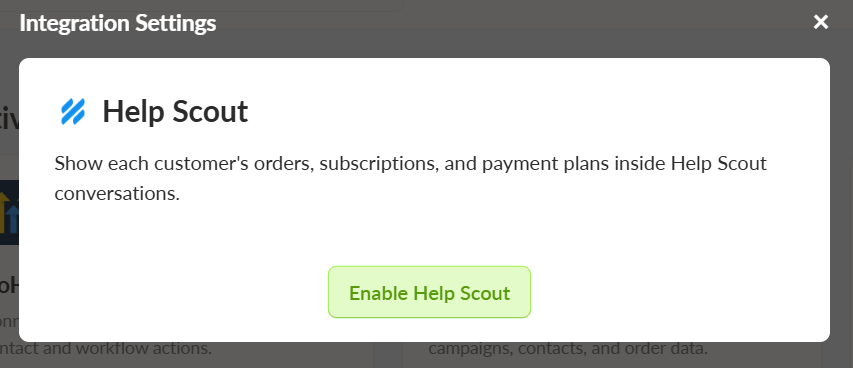
In the box that appears, click Enable Help Scout.
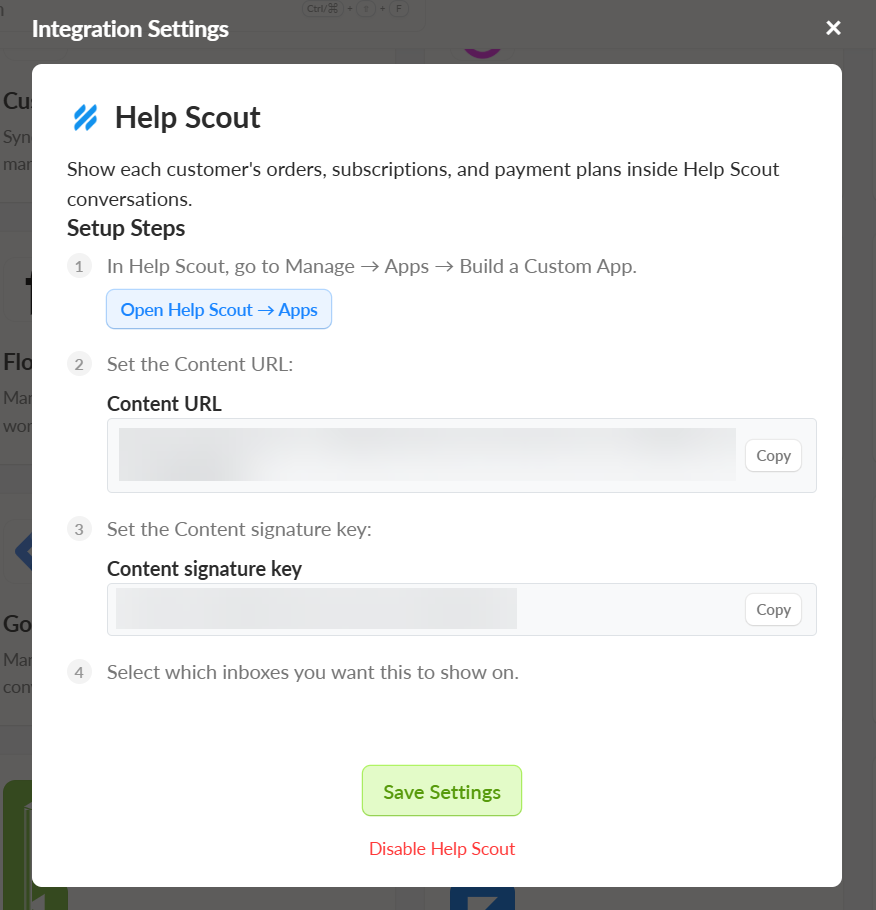
Follow the setup steps to create a custom app inside your Help Scout account. Then click Save Settings.
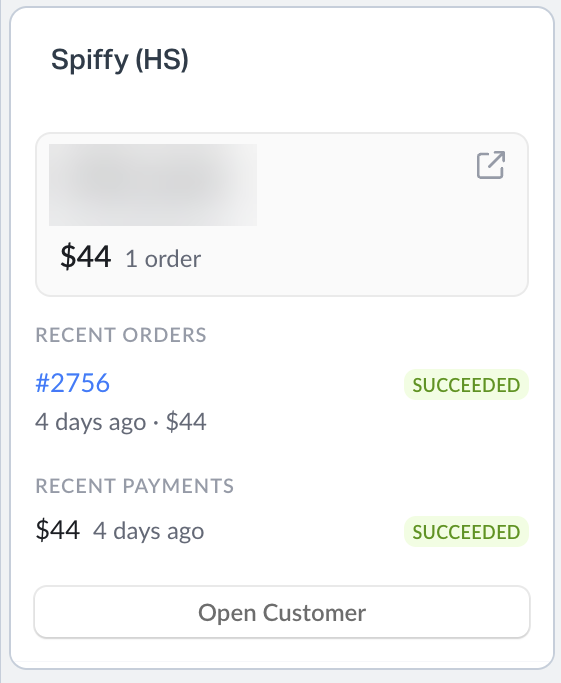
Once connected, you will see a widget in your Help Scout account located in the side bar of each conversation. This will link directly to your customer’s recent orders and their customer record in Spiffy.