


Connect your Flodesk account directly to Spiffy and automate your email list management based on customer activity.
Here’s a rundown of the powerful features you will have available:
- Customer Information Sync – Basic customer info will automatically sync to Flodesk on every successful order or affiliate registration
- Add to / Remove from Segments – Automatically add/remove a customer to one or more Flodesk segments when they make a purchase, cancel or request a refund
- Checkout & Billing Automation – Set up automation actions for events on checkouts, upsells, billing and more, to trigger a workflow in Flodesk. Learn More →
Important: Changes made directly in Flodesk do not flow downstream to Spiffy. Making changes in Spiffy will ensure records in Flodesk are up to date.
How to Connect Flodesk
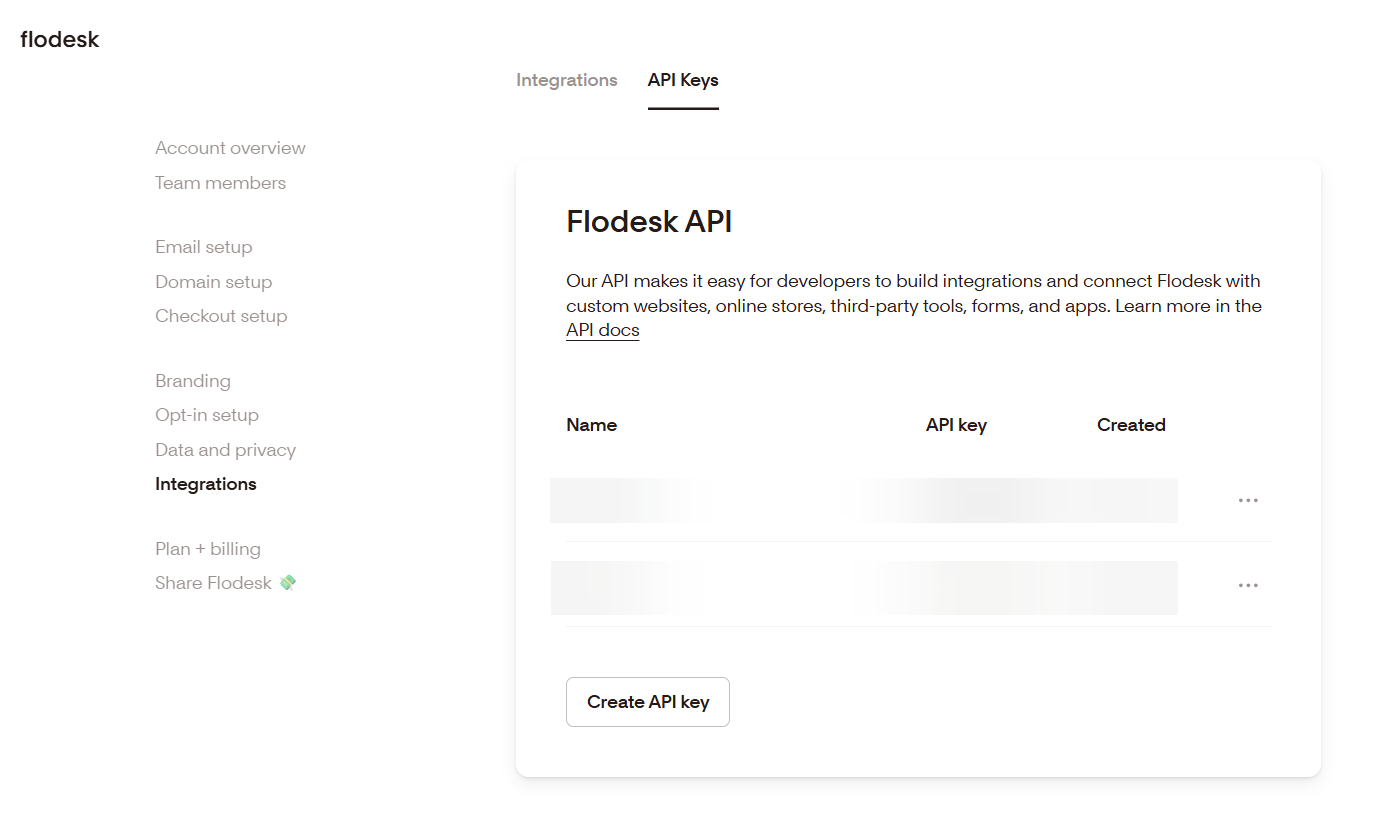
1. Log into Flodesk and go to Account settings > Integrations > API Keys to create an API key.
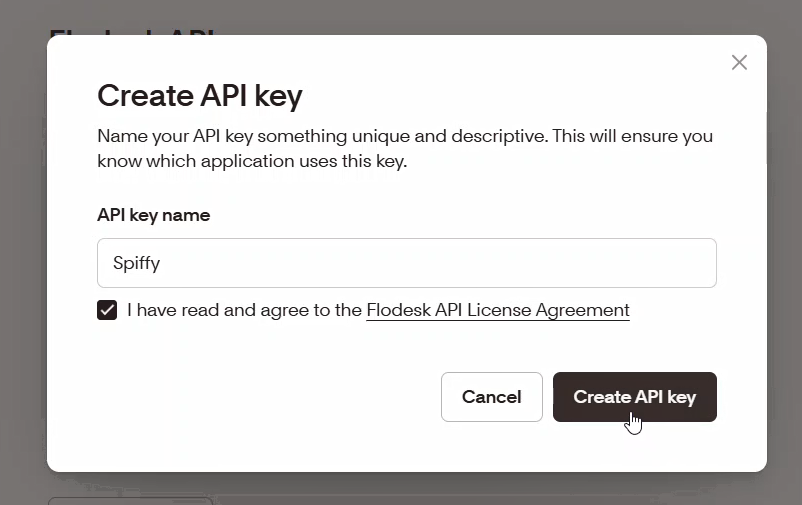
2. Add a unique and descriptive label to your API key, so you know this key was created specifically to connect to Spiffy. Click Create API Key.
3. A unique series of characters will appear. Copy and save this API key somewhere secure using the Copy API key button.
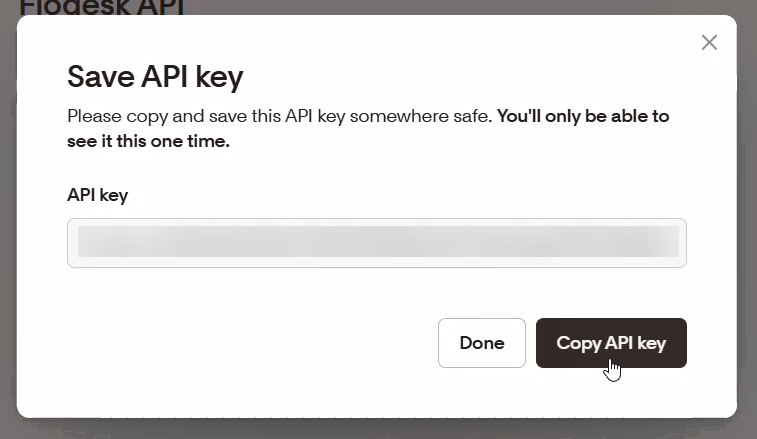
Important: Once you close the window in Flodesk that shows your API key, you will not be able to view it again.
4. Paste the API Key into Spiffy’s Flodesk Integration Settings and click Save Settings.
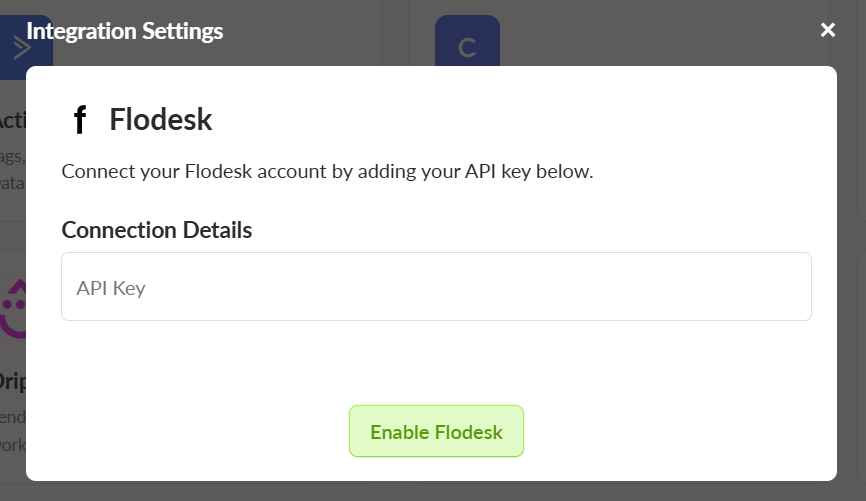
You’ve now connected your ShipStation account to Spiffy, don’t forget to set up Automations!
Learn more about Automations →