


When you first start your Spiffy account, you are given a chance to connect your PayPal Business Account, but you may have not been ready to connect it at that time. If this is the case, you can easily connect it from your Spiffy Payment Gateway Settings.
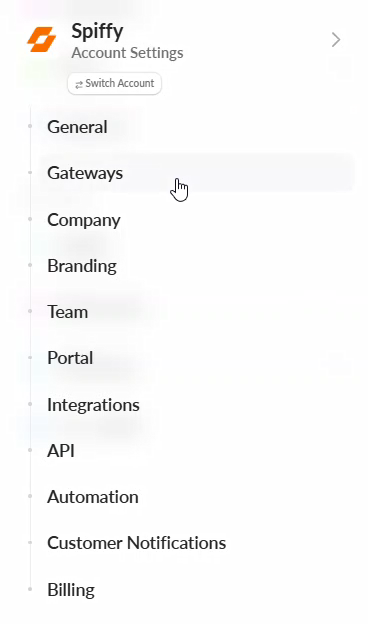
Under your Account Settings click on Gateways
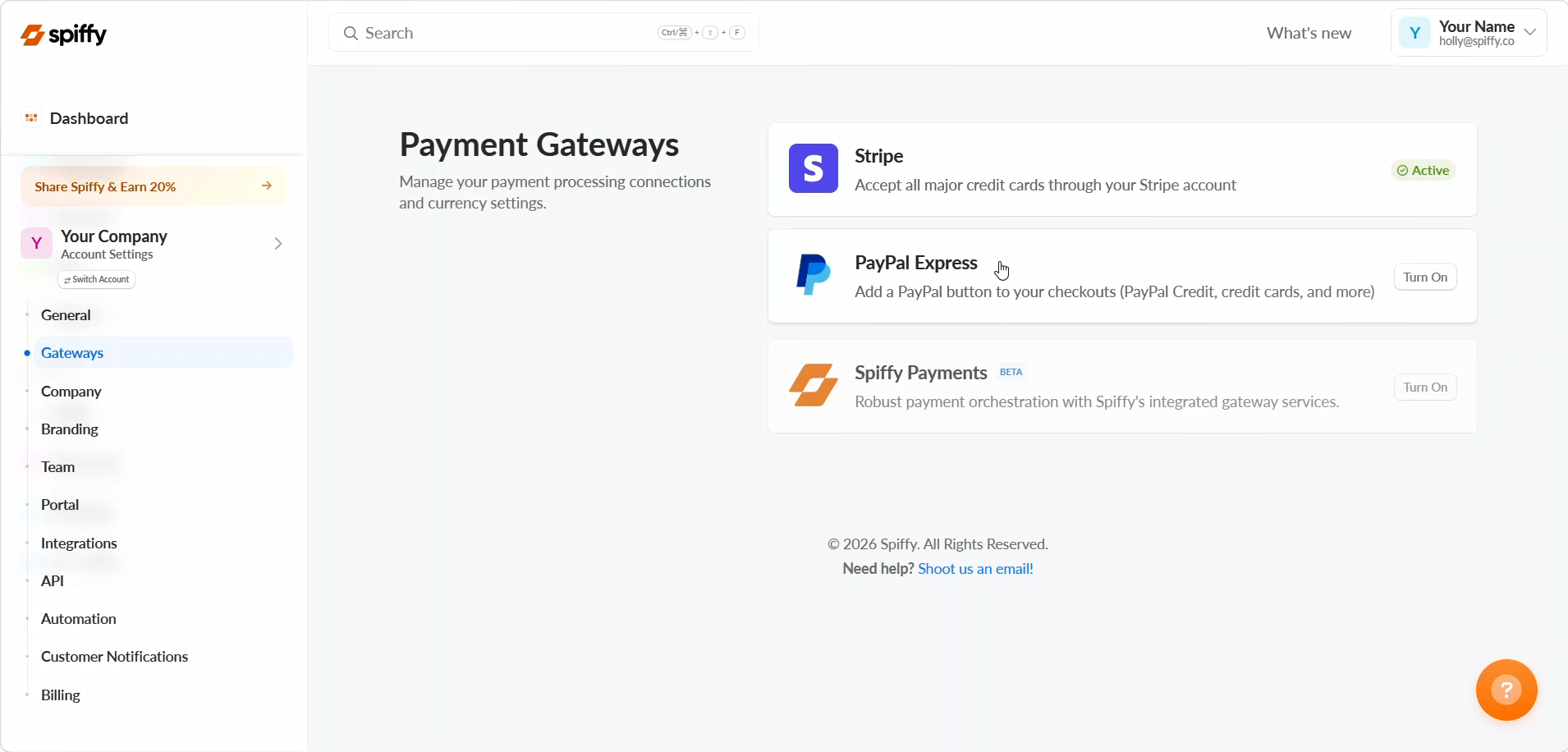
From the Payment Gateway Settings page, click on PayPal
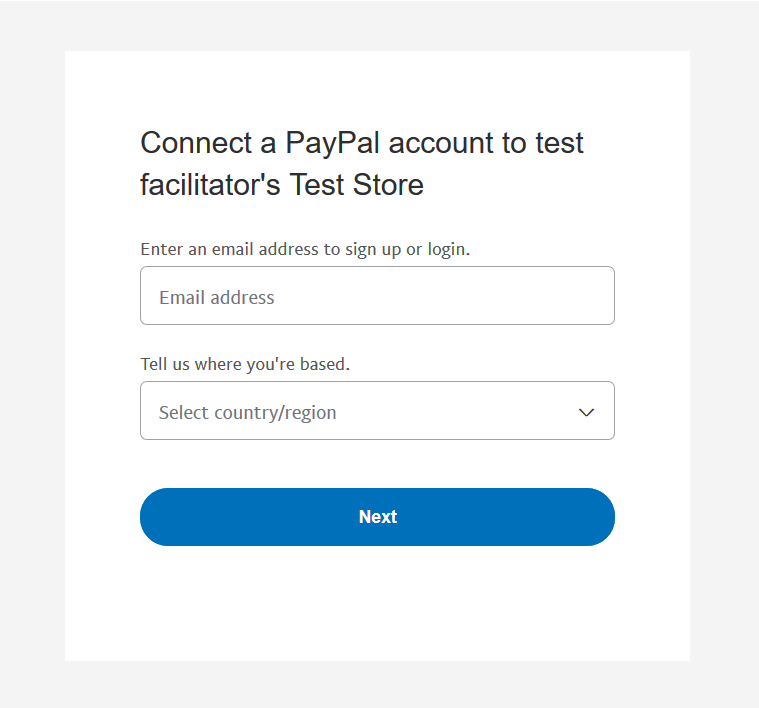
Next, you will follow a few prompts from PayPal, including: Logging Into PayPal Business, Accepting Terms & Authorizing the connection to Spiffy.

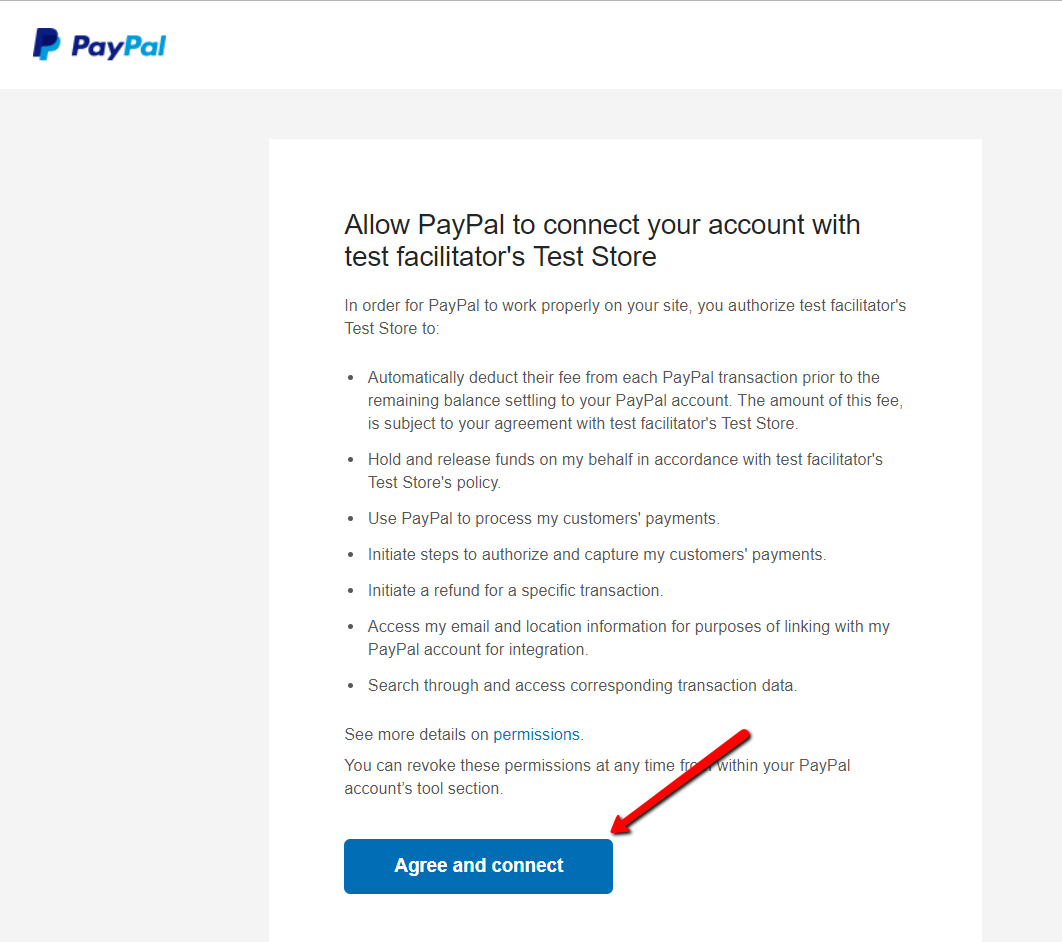
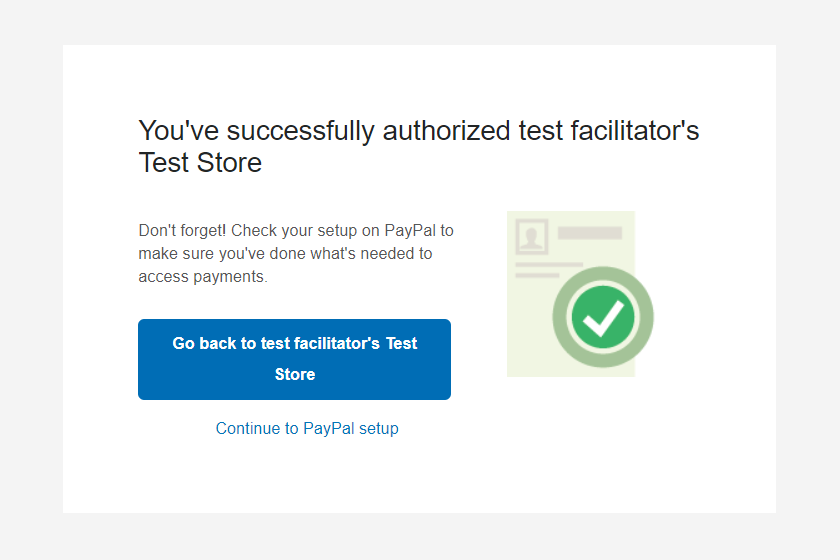
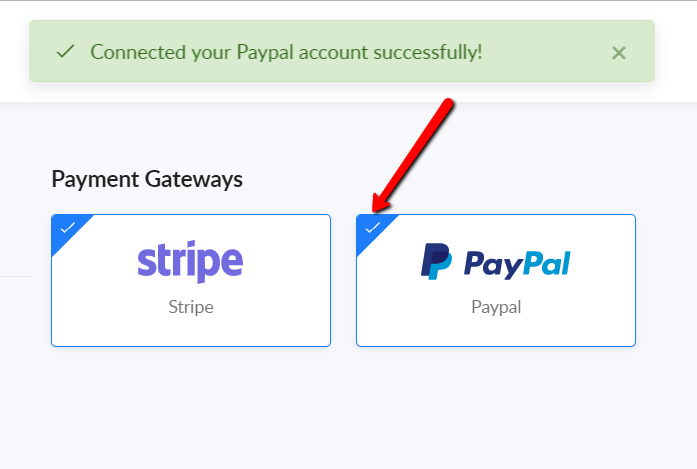
Once connected, just click the big blue button to return to Spiffy. You should see a confirmation, letting you know that your PayPal Business account is connected and ready to use with Spiffy Checkouts!
To enable PayPal on any existing checkouts, just navigate to the checkout editor ‘Settings’ and you will have the option to enable PayPal as a payment method.
Any new checkouts will have PayPal enabled by default.